Can I download the text of a lecture?
Yes. TXT export is available after review.
 Soz
Kyrgyz subtitles
Soz
Kyrgyz subtitles
Text support for educational video
Soz helps prepare a first subtitle or transcript draft for a Kyrgyz-language lesson, lecture, webinar, or training recording. Review the material line by line and download it for publication or further editing.
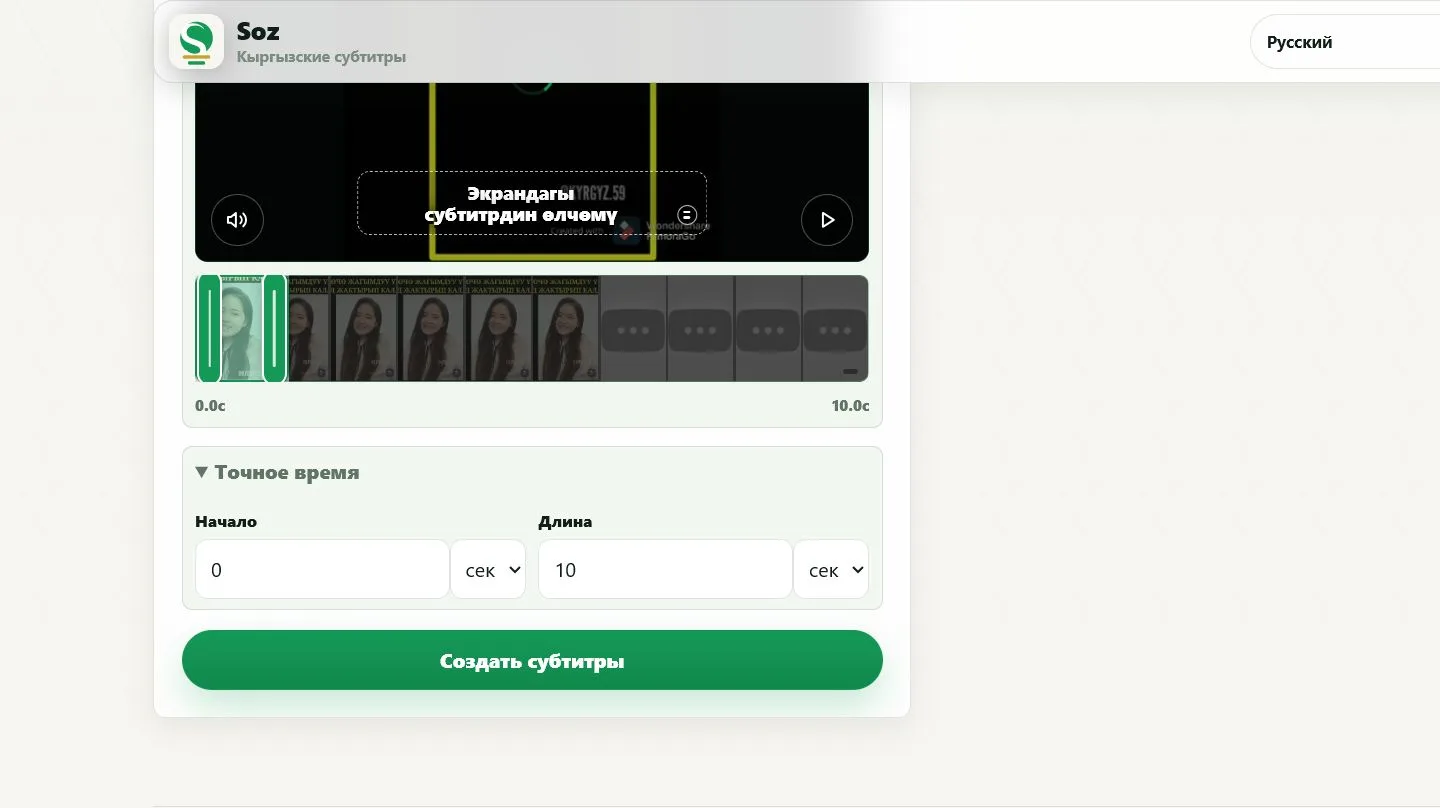

Subtitles help learners follow explanations, revisit difficult points, and search for relevant sections. TXT can support notes, while SRT or ASS can be attached to the video.
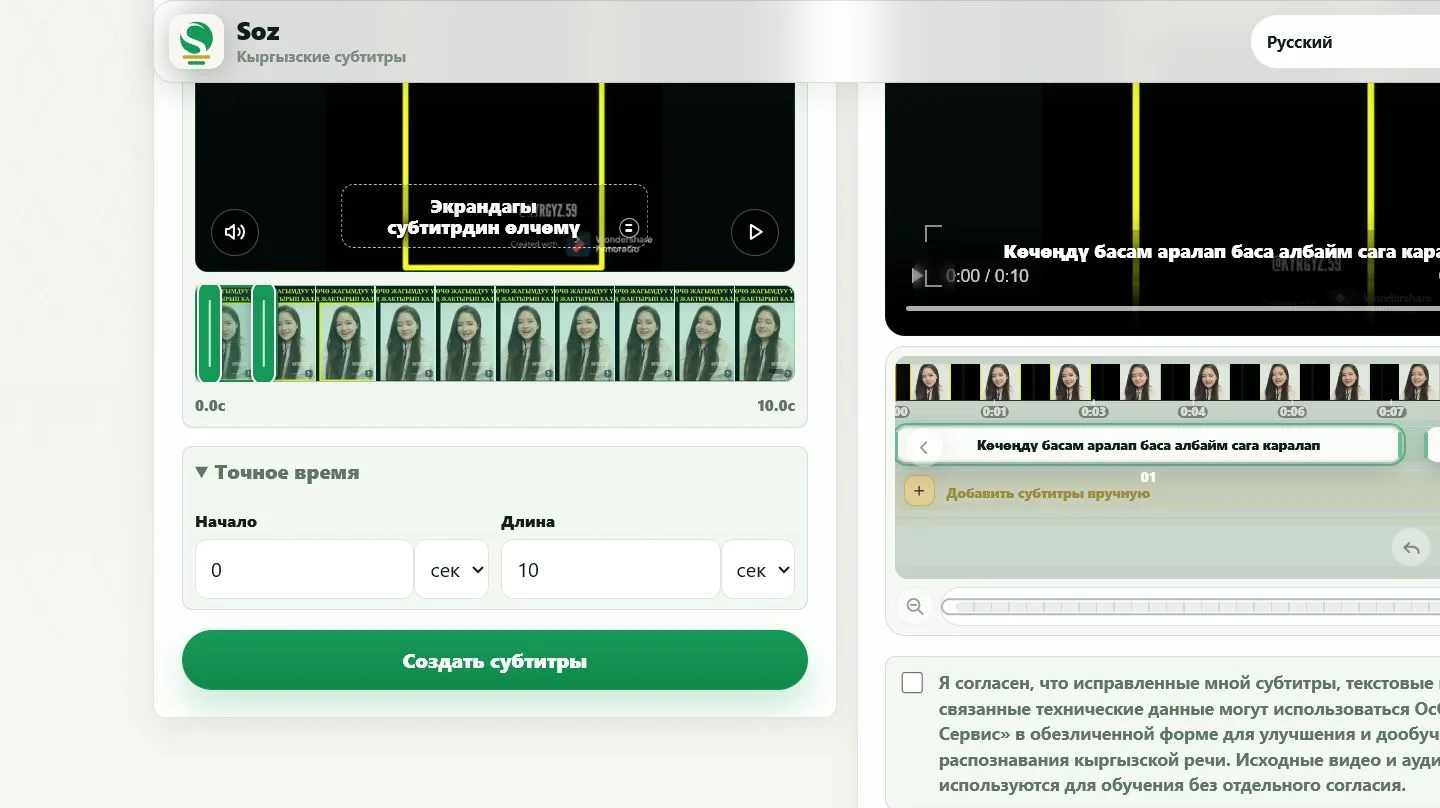
Soz does not verify factual accuracy or the terminology used in your course. A teacher or subject editor should review definitions, formulas, names, dates, and other important information.
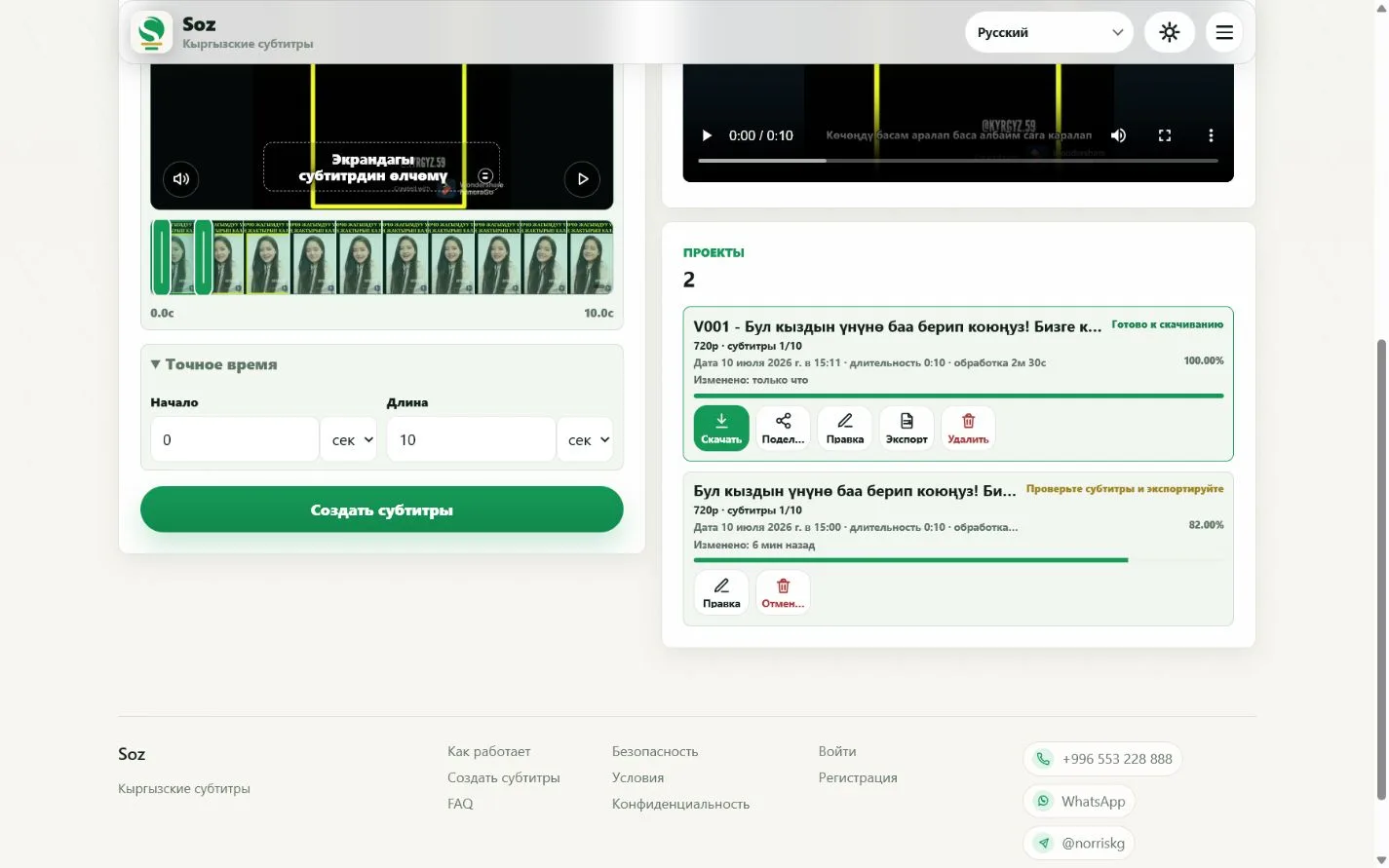
Yes. TXT export is available after review.
Yes, after the text, timing, and readability have been checked.
Yes. Select the relevant start time and duration.
Review it manually. Uncommon words and subject-specific terms are more likely to need correction.
Use TXT for notes, SRT or ASS for separate subtitle tracks, and MP4 for a video with visible subtitles.
Create subtitles
Prepare subtitles for a lesson