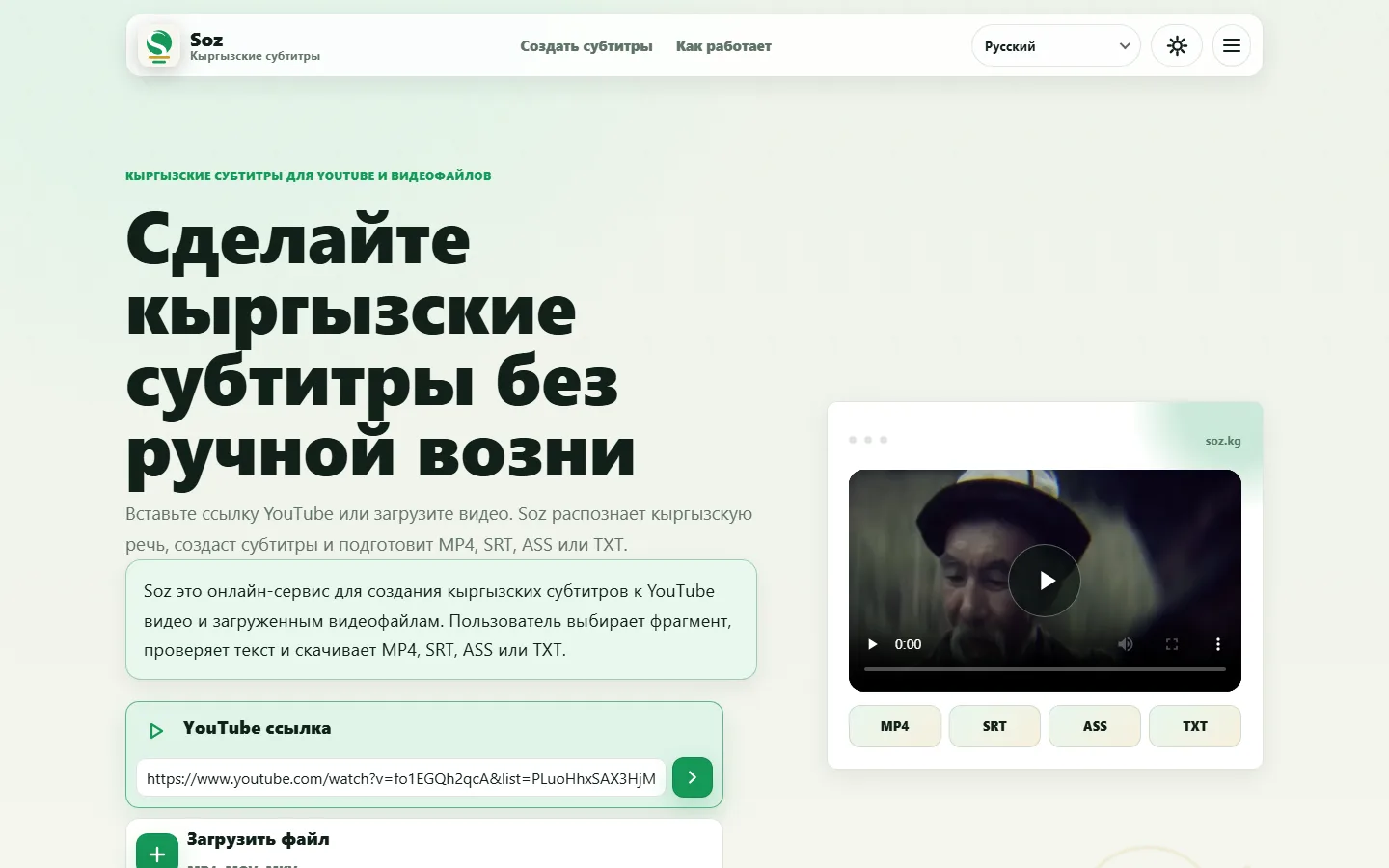
1. Add a video
Paste a YouTube link or upload a video file. Confirm that you have the right to process the material before continuing.
 Soz
Kyrgyz subtitles
Soz
Kyrgyz subtitles
Online speech-to-subtitle workflow for Kyrgyz
Soz recognizes spoken Kyrgyz and turns it into editable subtitle lines. Start with a YouTube link or a video file, select the fragment you need, review the text, and download the result in a practical format.

The service is useful for video creators, teachers, journalists, editors, and organizations publishing Kyrgyz-language content. Instead of typing the whole recording from scratch, you receive a first draft with timing and refine it before use.
Automatic recognition provides a working draft, not a final transcript. Noise, music, dialect, speaking speed, and recording quality can affect the result. Check names, uncommon words, punctuation, and segmentation before publishing.
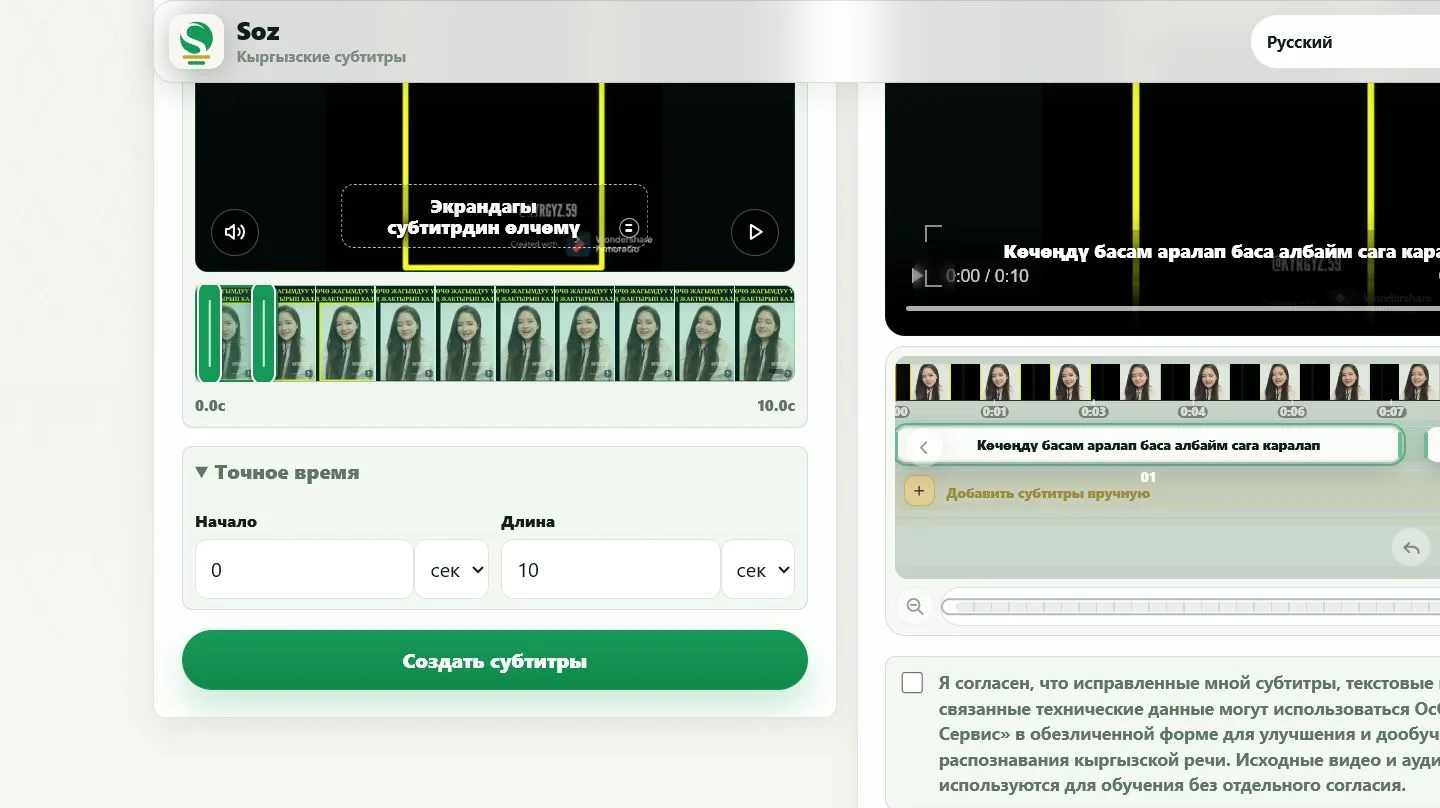
The steps below show the real workflow using a 10-second video fragment. Recognition output is reviewed before publication.
Paste a YouTube link or upload a video file. Confirm that you have the right to process the material before continuing.
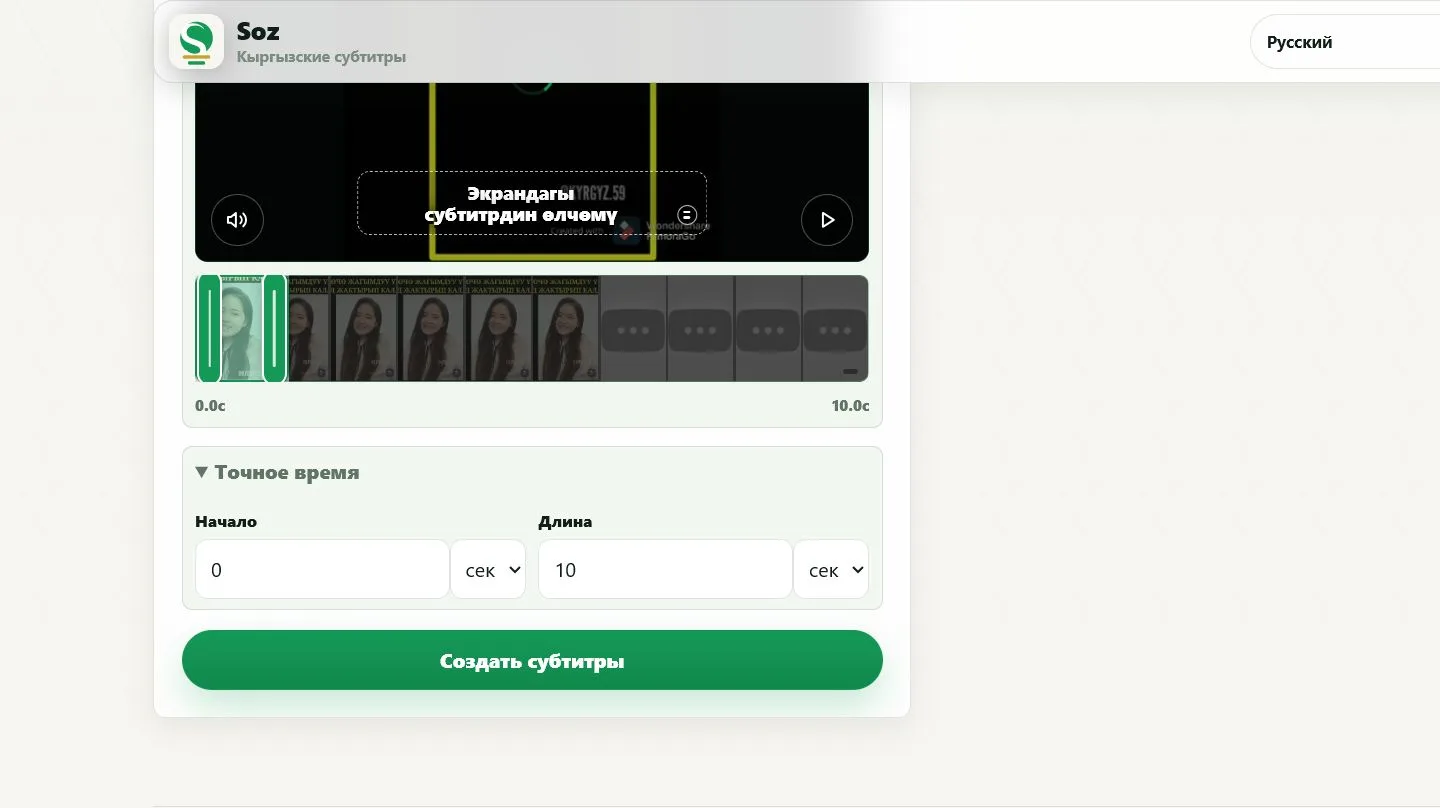
Set the start time and duration. You can process a short extract instead of the whole video.
Open the editor after processing. Subtitle lines appear next to the video preview.
Select a line, make the correction, and check how it looks on the video.
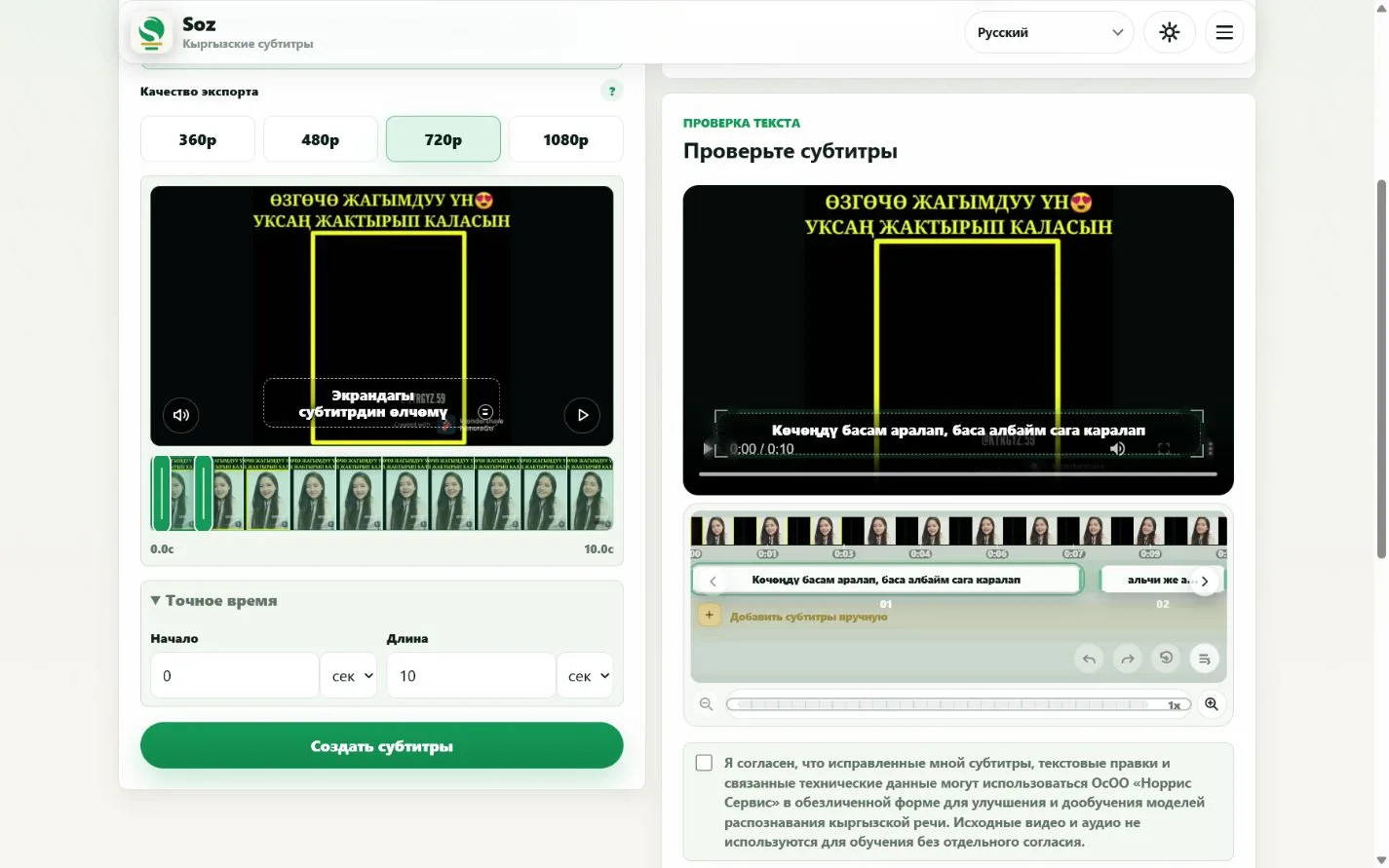
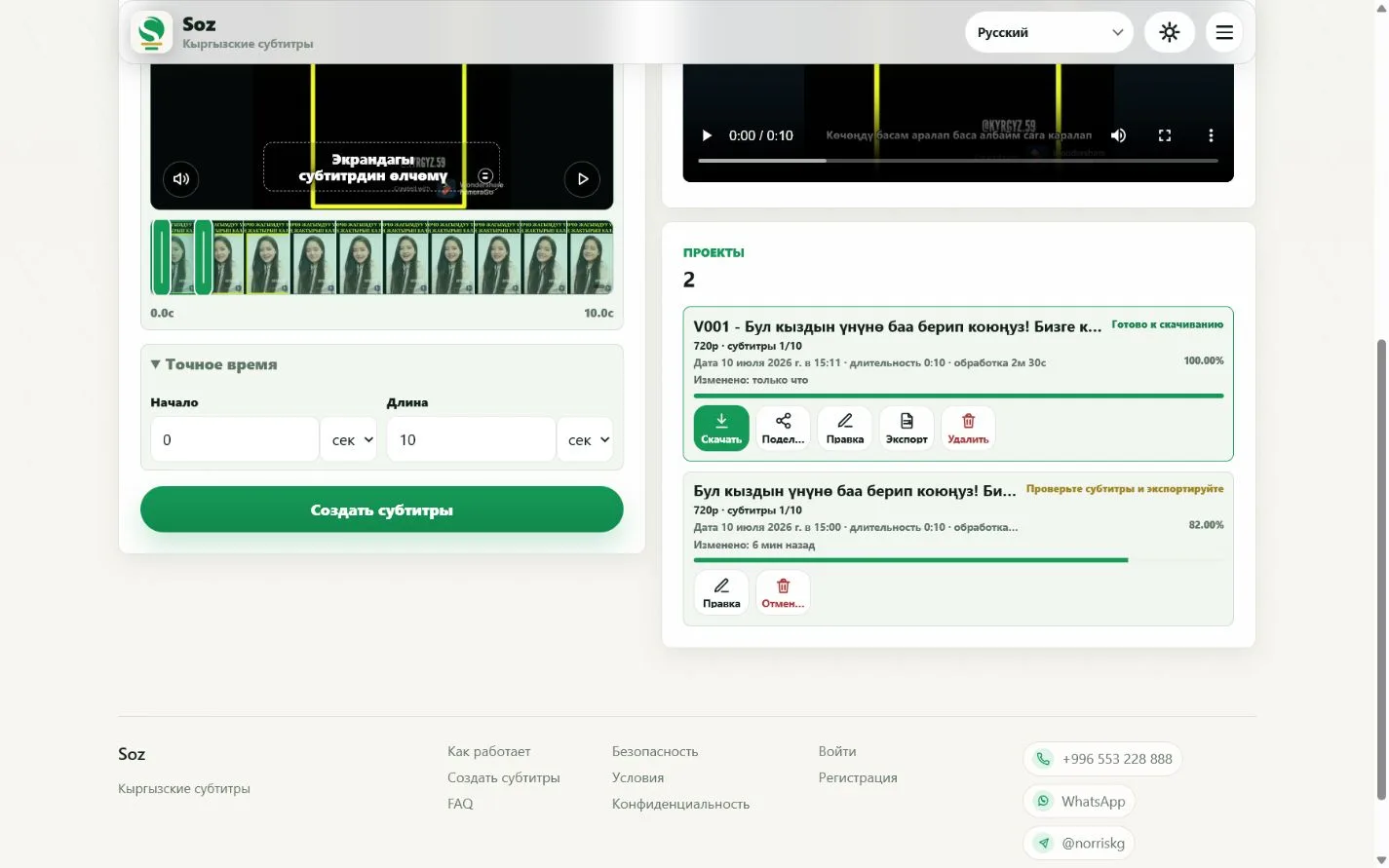
Download a finished video or SRT, ASS, and TXT files. MP4 quality options include 360p, 480p, 720p, and 1080p.
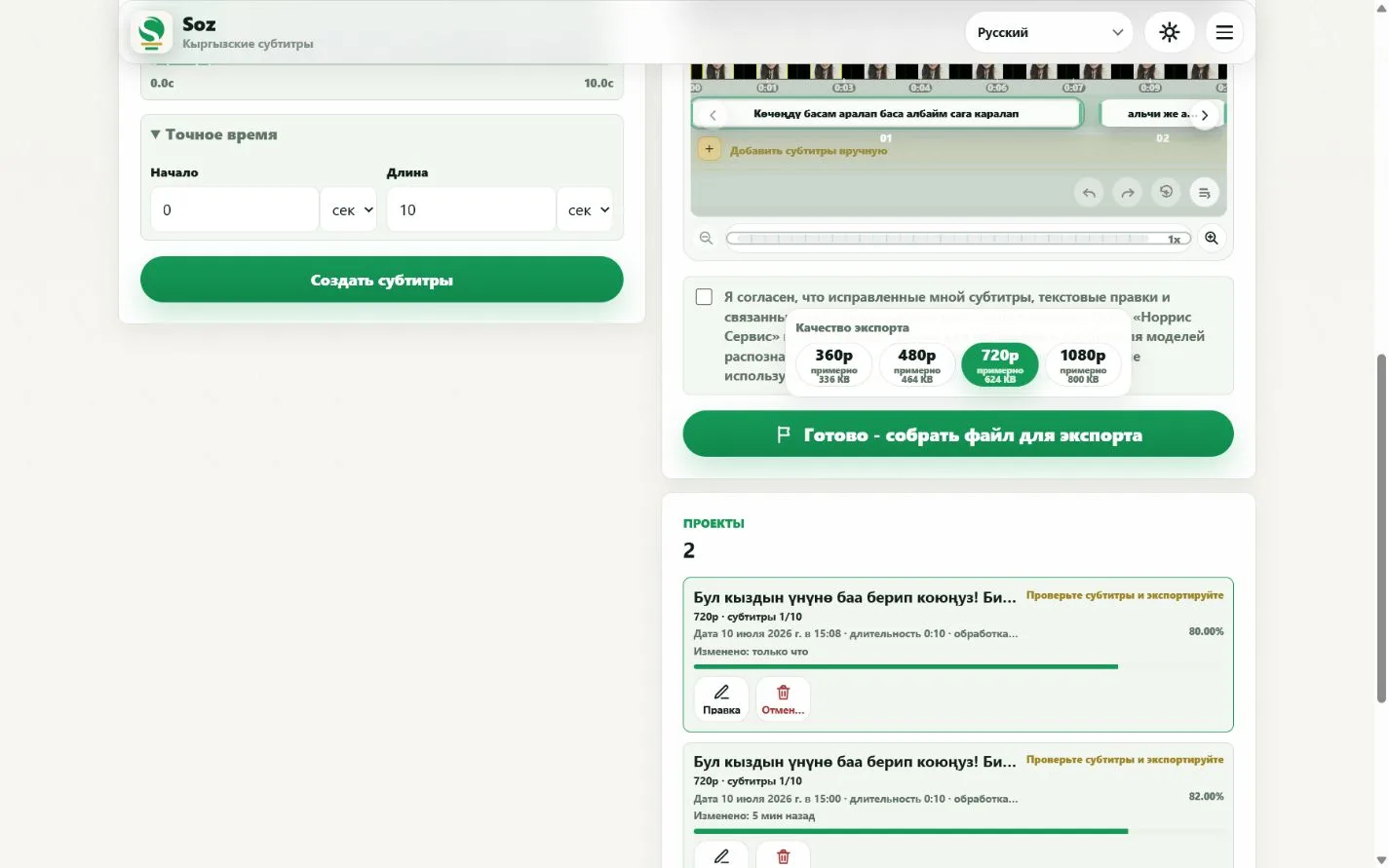
When rendering is complete, the project card shows download and project actions.
Yes. Open the subtitle editor, correct each line, and check the change in the video preview.
The current interface supports MP4, SRT, ASS, and TXT.
No. Set a start time and duration to process only the relevant fragment.
Yes, when the video is accessible and you have the right to process it. If the link fails, use another source or upload a file.
Accuracy depends on the recording. Names, dialects, music, and background noise require closer review.
Create subtitles
Create Kyrgyz subtitles for your video