Can I download plain text without timing?
Yes. TXT export is available in the current interface.
 Soz
Kyrgyz subtitles
Soz
Kyrgyz subtitles
A reviewable first transcript from spoken Kyrgyz
Soz recognizes Kyrgyz speech and divides it into editable timed segments. Use the result as a starting point for an interview transcript, lesson notes, research material, subtitles, or an article draft.
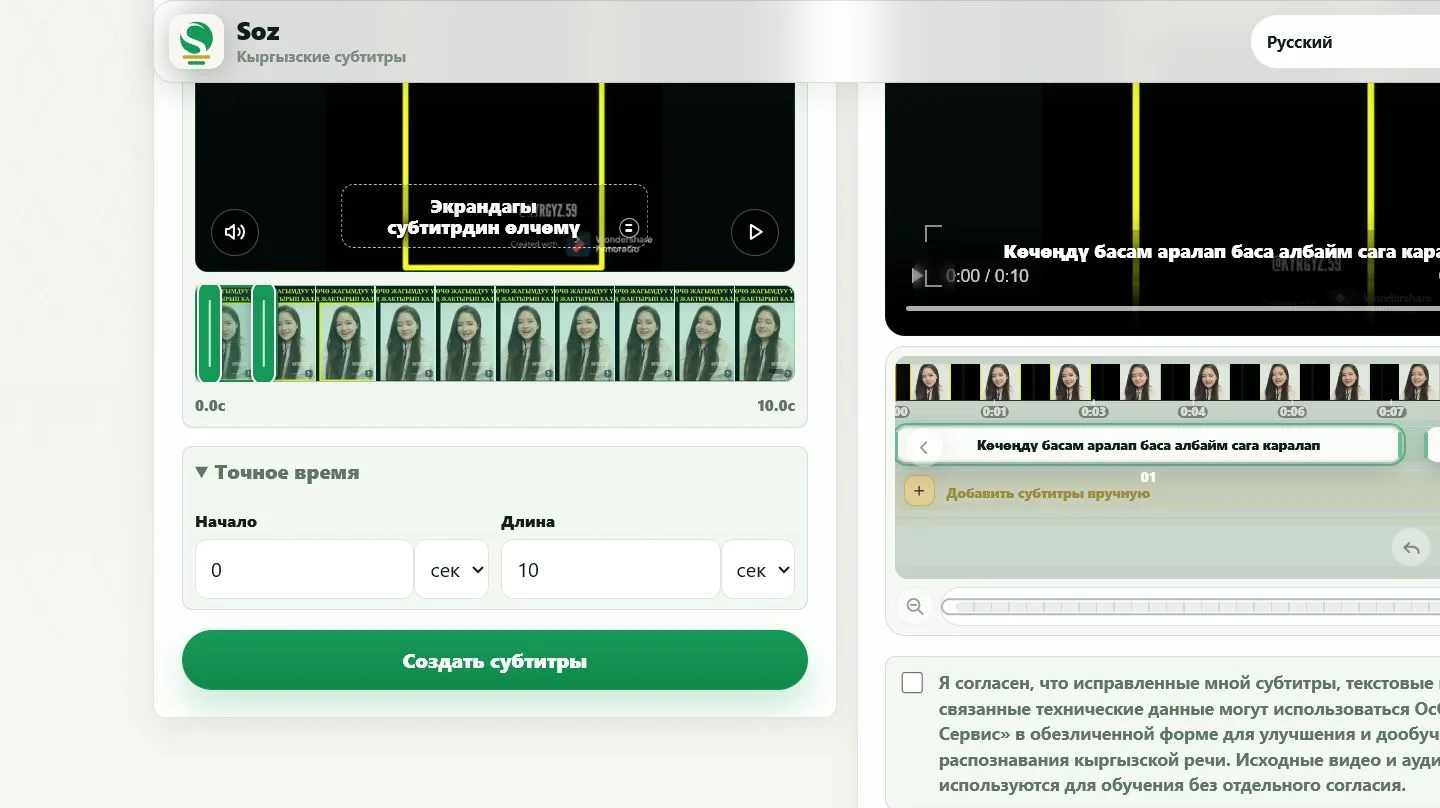

Journalists can verify quotations, researchers can create a text draft, teachers can prepare lesson material, and editors can move spoken content into a script or subtitle track.
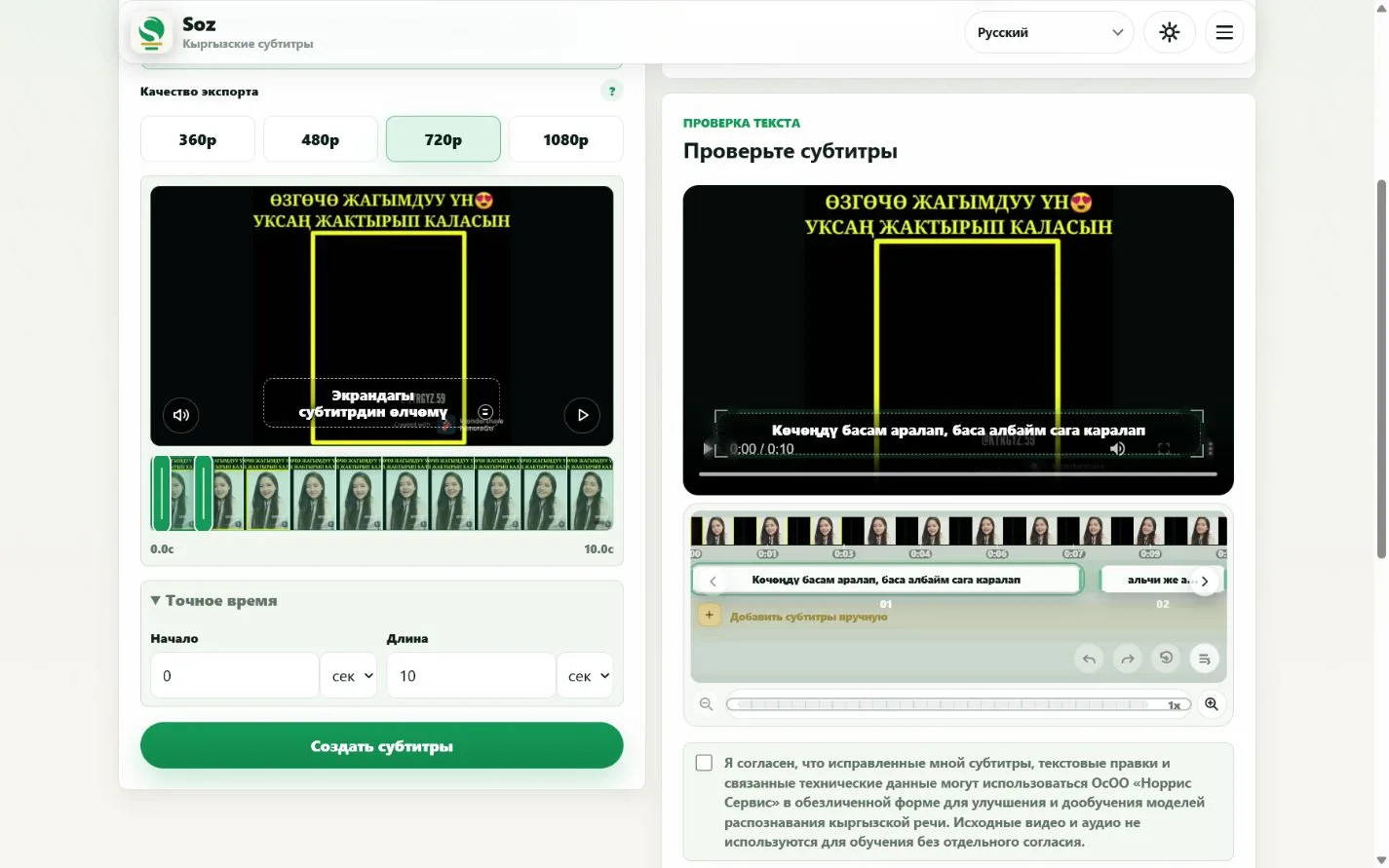
Do not treat recognition output as publication-ready without checking it. Pay close attention to names, numbers, locations, specialist terms, dialect, and speech affected by music or background noise.
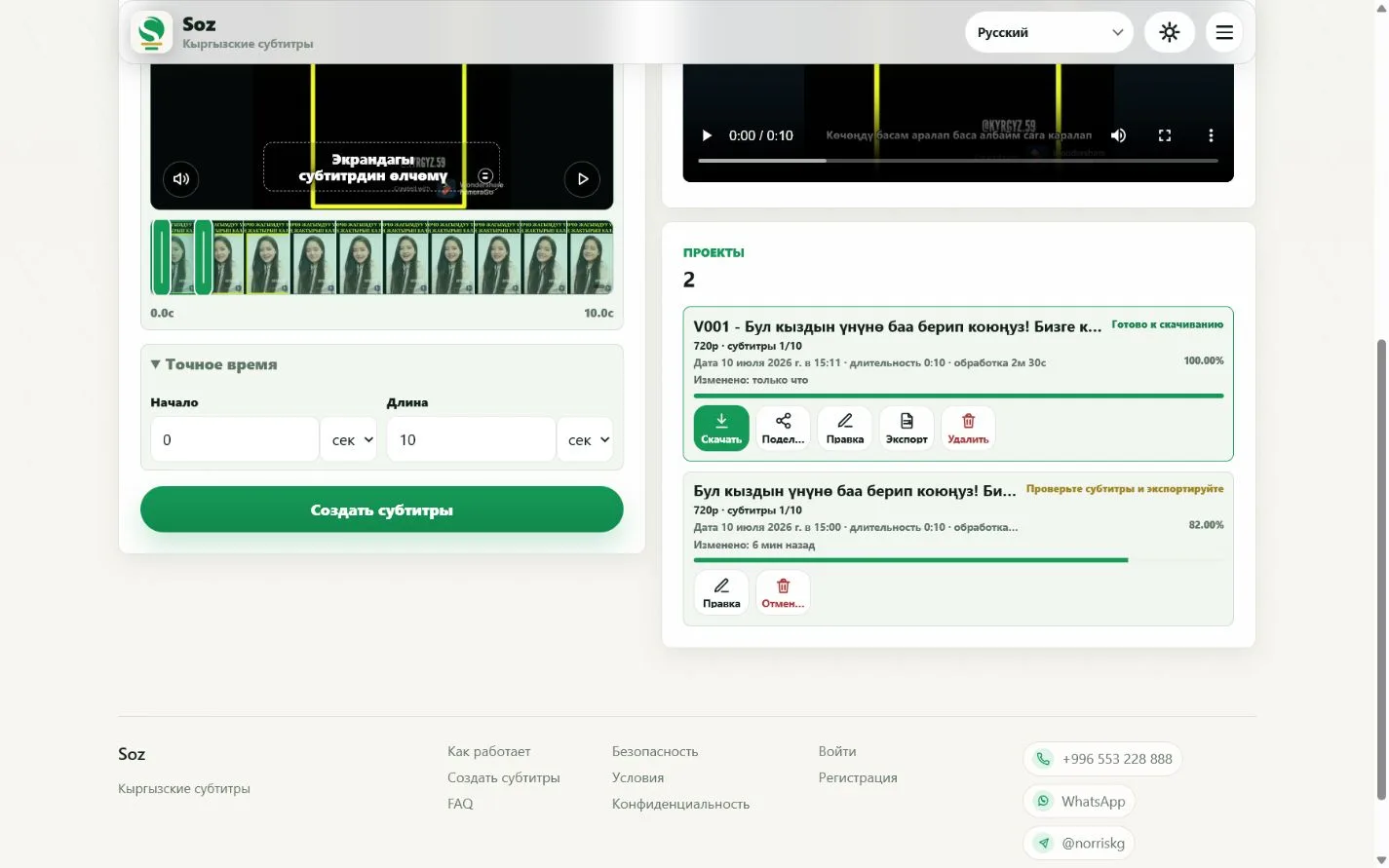
Yes. TXT export is available in the current interface.
Yes. Review the project once, then export SRT, ASS, TXT, or MP4.
Yes, as a first transcript draft. Names, dialect, and noisy passages still need manual review.
Yes. Each subtitle line is editable and can be checked against the video.
Start with the relevant fragment. Longer material requires more processing and editorial review.
Convert video to text
Get editable text from Kyrgyz speech