Can Soz transcribe an interview?
Yes, as a first draft that an editor reviews against the recording.
 Soz
Kyrgyz subtitles
Soz
Kyrgyz subtitles
A first transcript draft for editorial review
Soz turns Kyrgyz speech from an interview, report, or field recording into editable text. Compare each line with the video, correct it, and use the result for subtitles, quotations, or a working transcript.
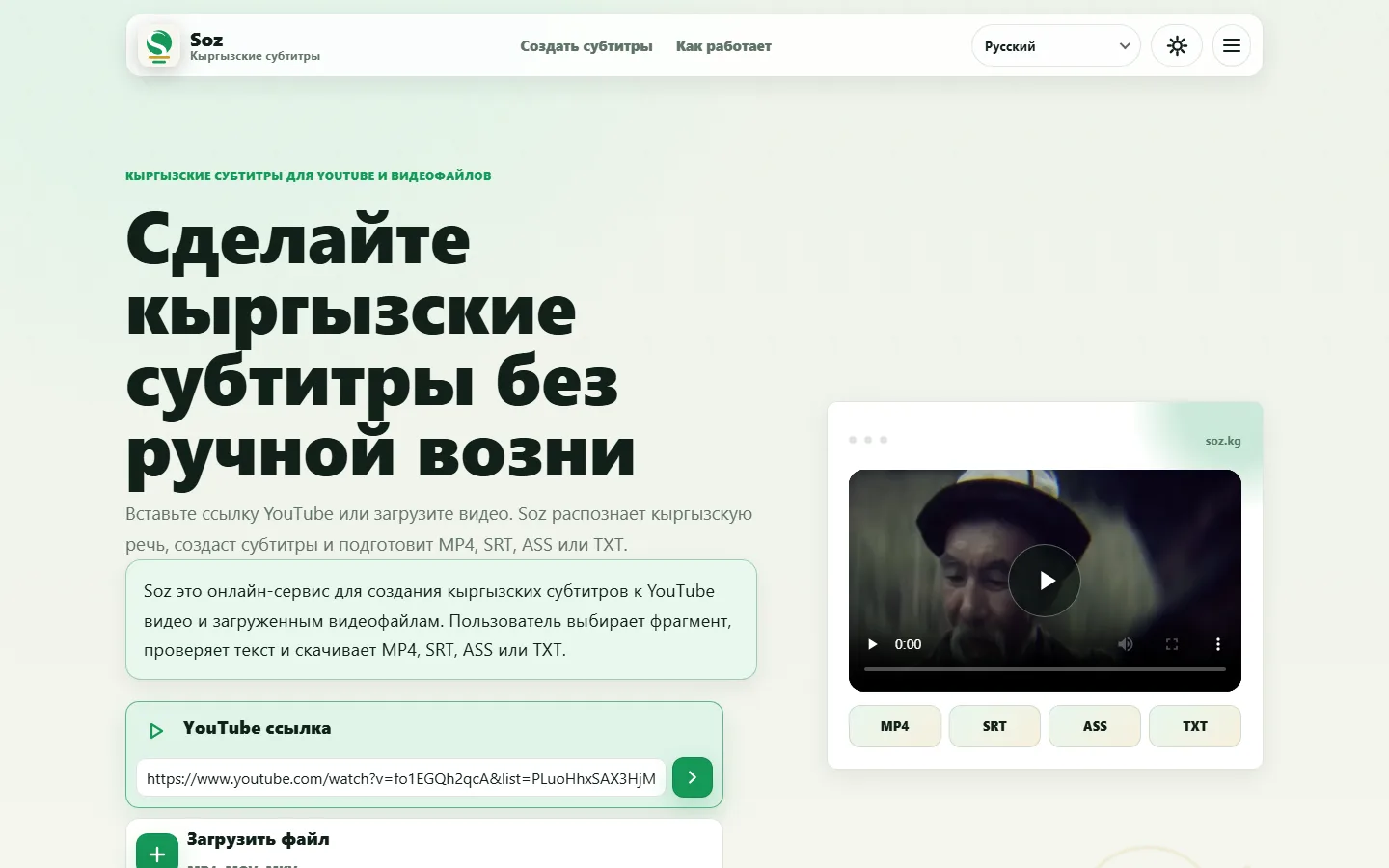

The workflow supports journalists, editors, NGOs, researchers, and documentary creators. It reduces manual typing while keeping final editorial control with the person reviewing the material.
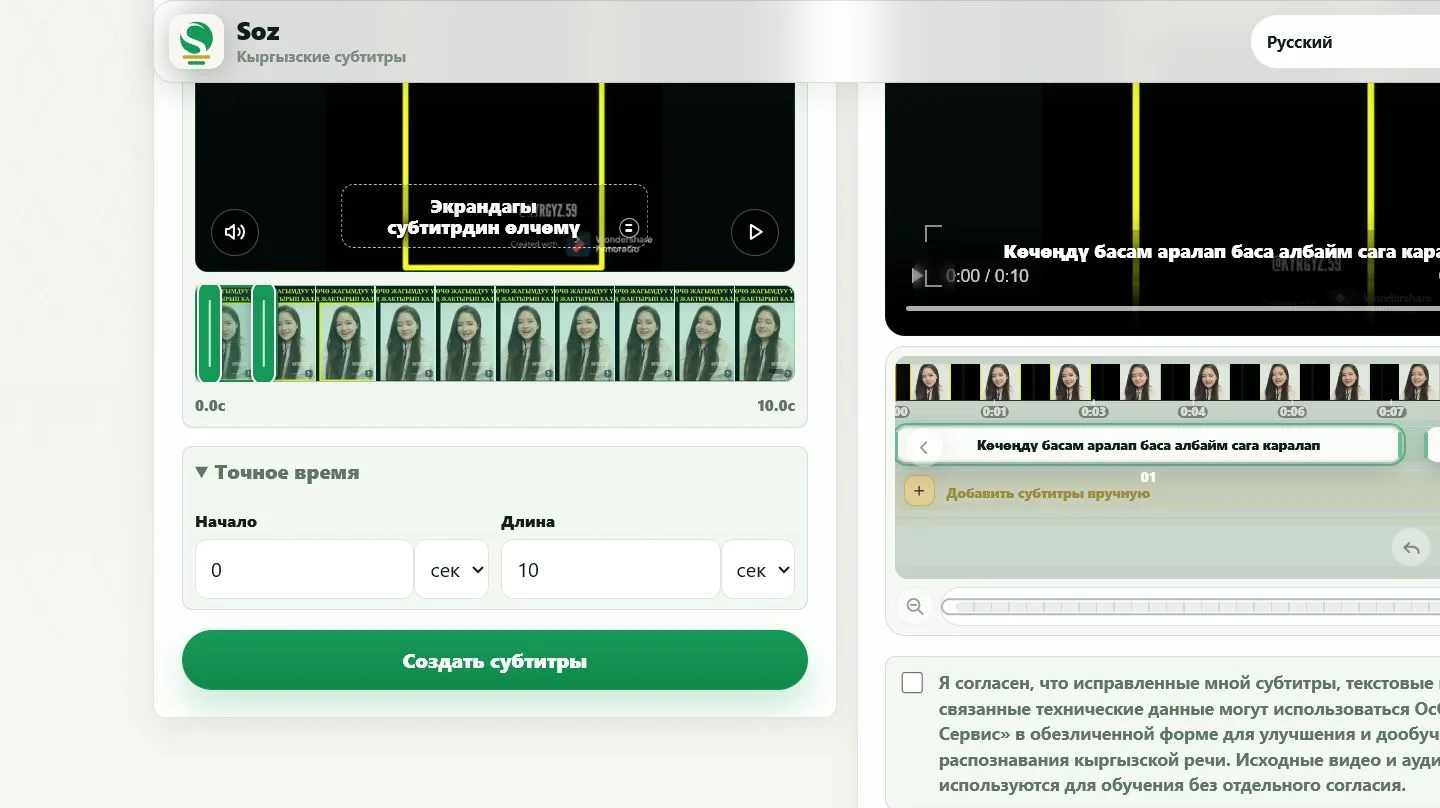
Make sure you have the right to process the recording. Do not publish personal or sensitive information without a proper basis. Soz does not reliably identify speakers or verify names and quotations.
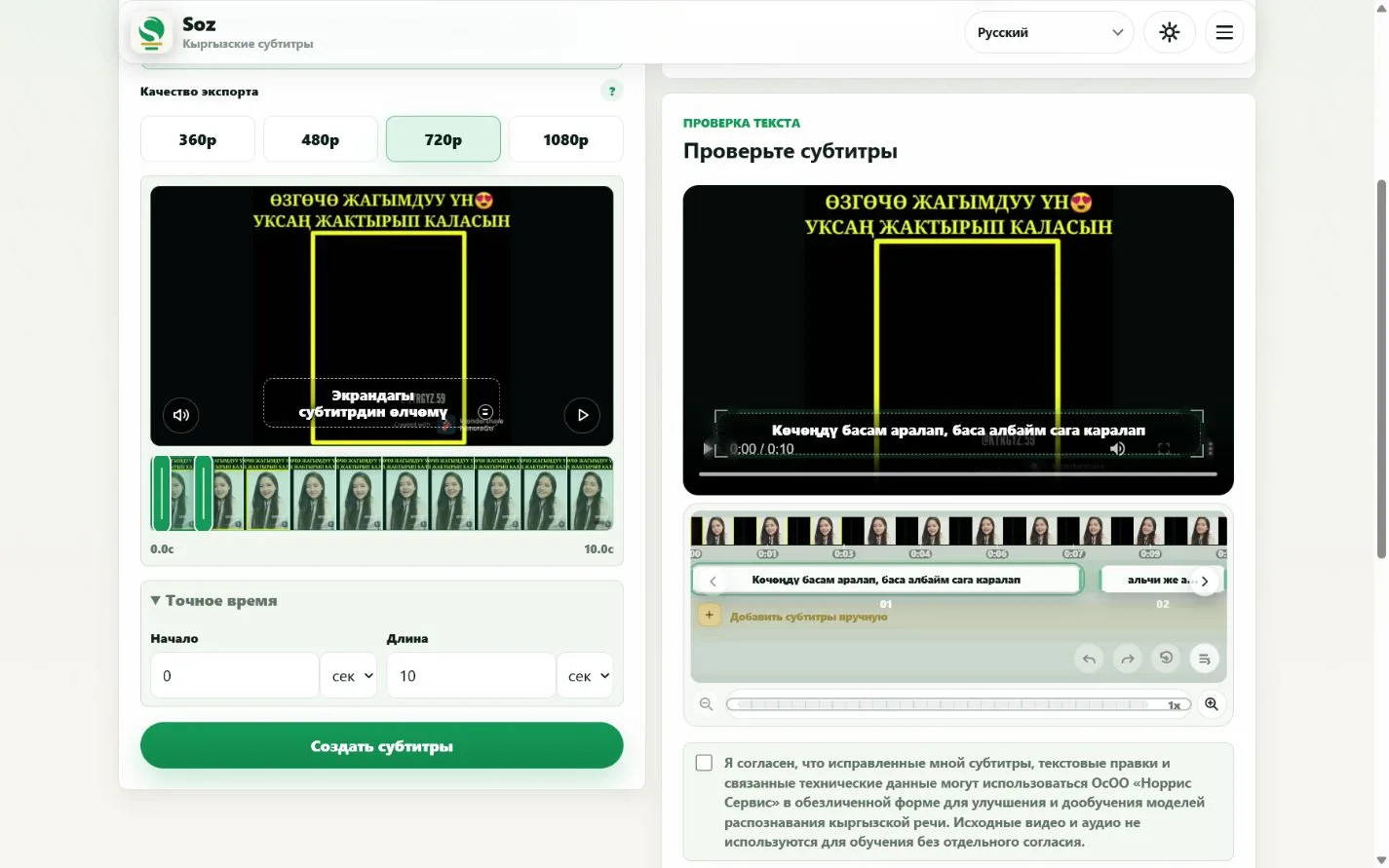
Yes, as a first draft that an editor reviews against the recording.
Names may be inaccurate and must be checked manually.
Choose a cleaner section or expect additional editing.
Yes. Plain text export is available after review.
Do not rely on verified speaker identification. Review the interview structure manually.
Prepare transcript
Prepare interview text and subtitles