What is an SRT file?
It is a text file containing the start time, end time, and text for each subtitle line.
 Soz
Kyrgyz subtitles
Soz
Kyrgyz subtitles
Timed subtitle text after manual review
An SRT file stores each subtitle line with its start and end time. Soz recognizes Kyrgyz speech, lets you correct the wording, and provides a file for video editors, players, and platforms that accept external subtitles.
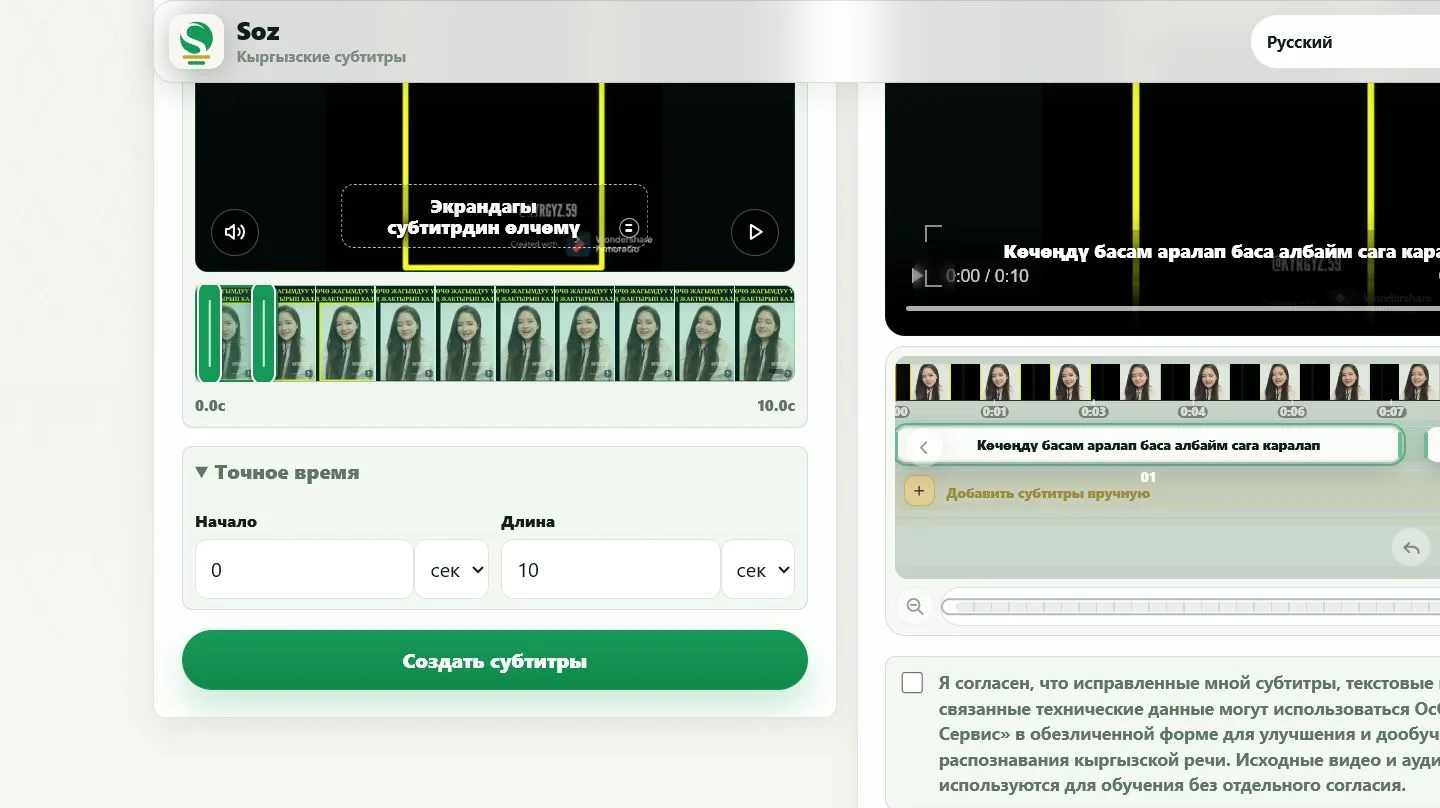

The format is useful for editors, YouTube channel owners, online schools, media teams, and organizations that want subtitles separate from the video. A separate file is easier to update, translate, and reuse.
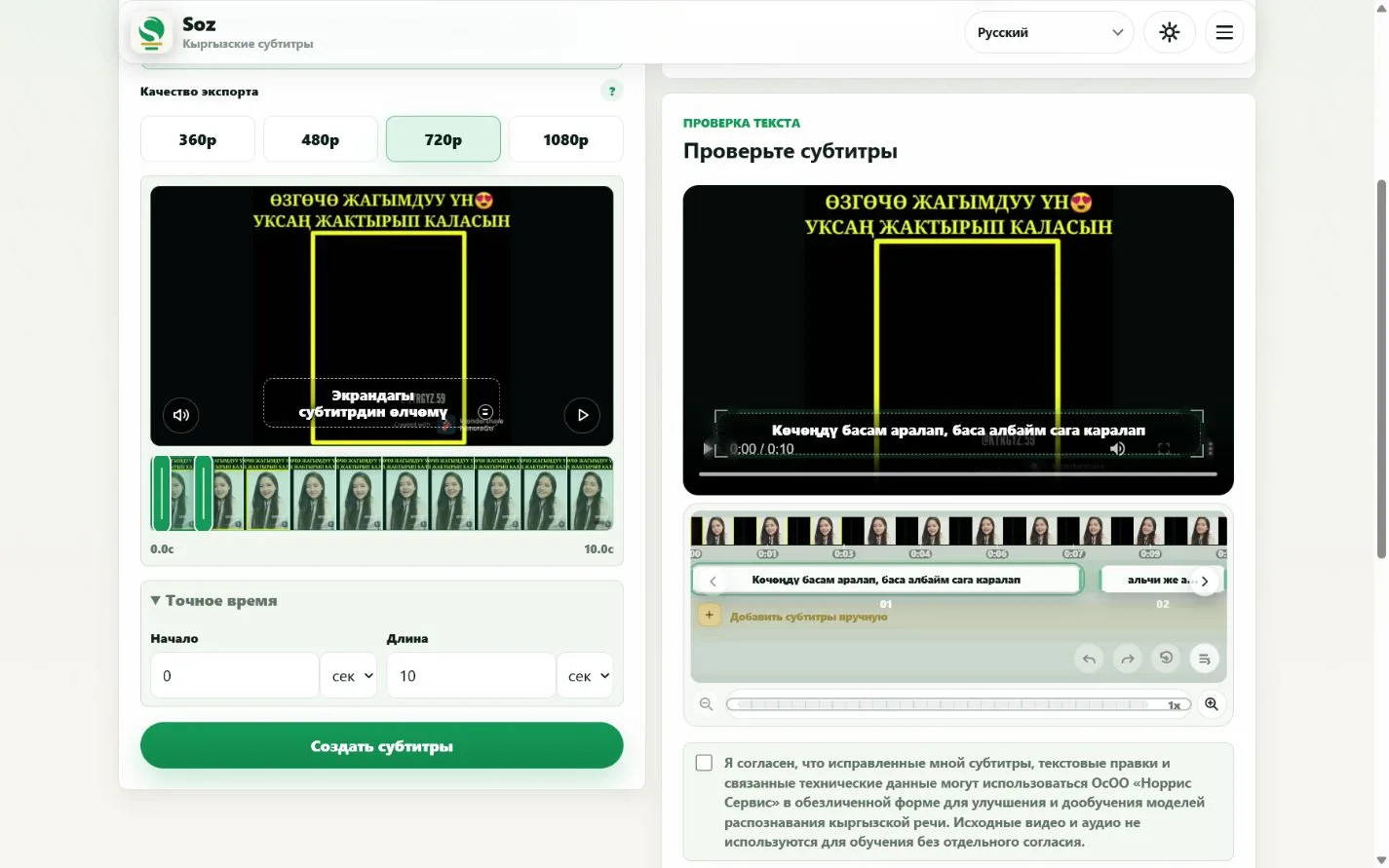
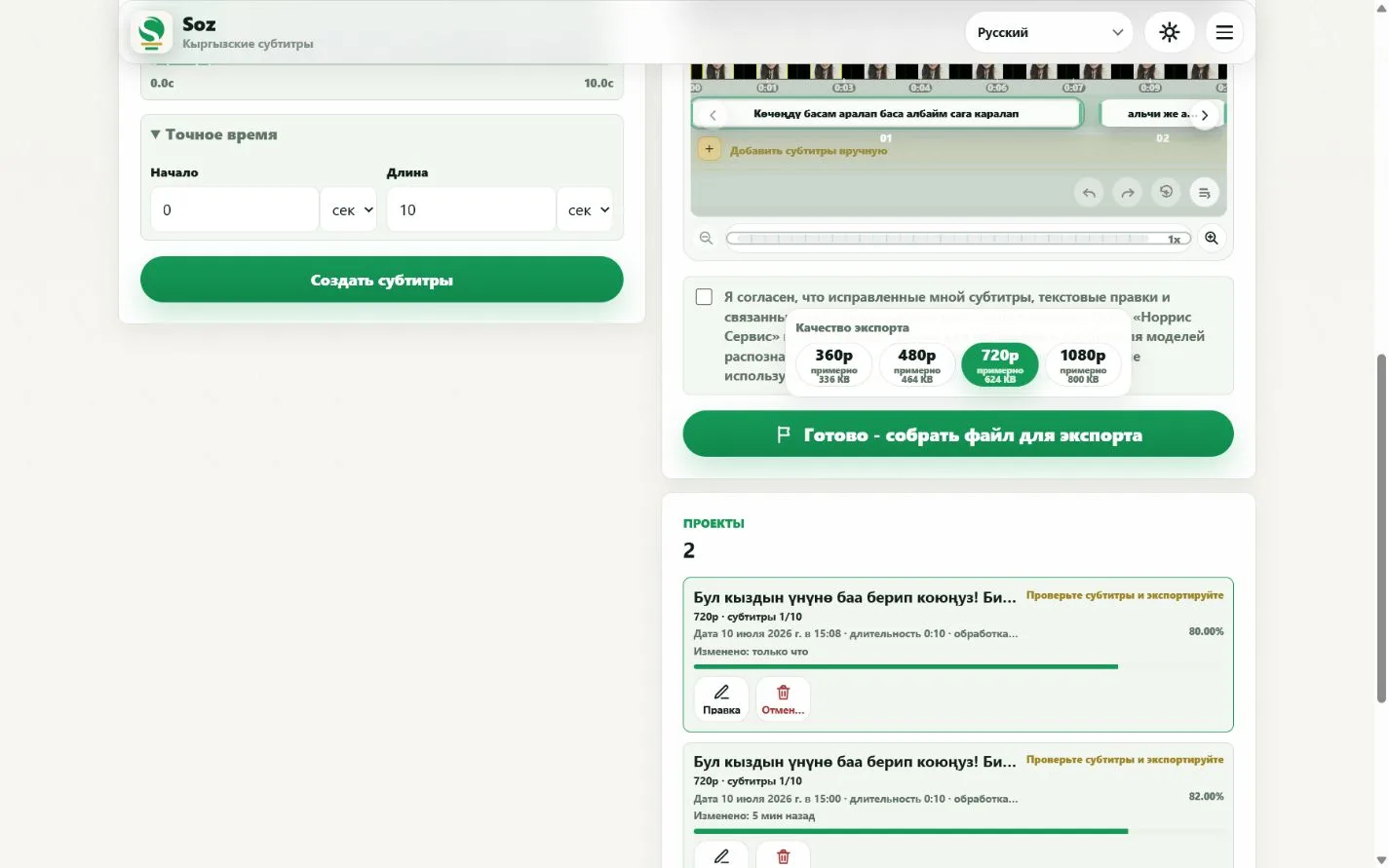
Open the file in the target platform or video editor. Confirm that Kyrgyz characters display correctly, lines are not too long, and timing matches the speech.
It is a text file containing the start time, end time, and text for each subtitle line.
Yes. Review and correct the lines in Soz before exporting SRT.
YouTube accepts subtitle files. Check the text and timing against your final video before uploading.
Yes. The current interface offers SRT, ASS, TXT, and MP4.
Automatic segmentation provides a useful base, but fast speech and long phrases may need manual adjustment.
Create SRT
Prepare a Kyrgyz SRT file