Can I process only a short extract?
Yes. Set the start time and duration, such as 10 or 30 seconds.
 Soz
Kyrgyz subtitles
Soz
Kyrgyz subtitles
For Reels, Shorts, and vertical clips
Short videos are often watched without sound, so subtitles need to be concise and easy to read. Soz lets you select a short fragment, recognize Kyrgyz speech, edit the text, and prepare the output for editing or publication.
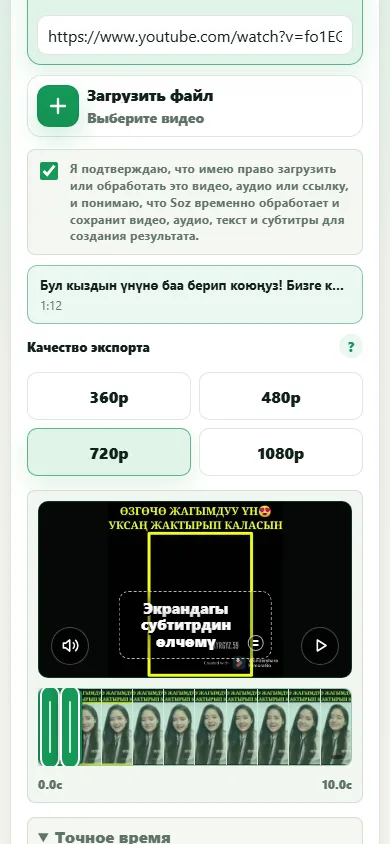

It supports Reels and Shorts creators, social media publishers, editors, and small teams producing Kyrgyz-language short-form content. Separate near-identical pages for every platform are not necessary.
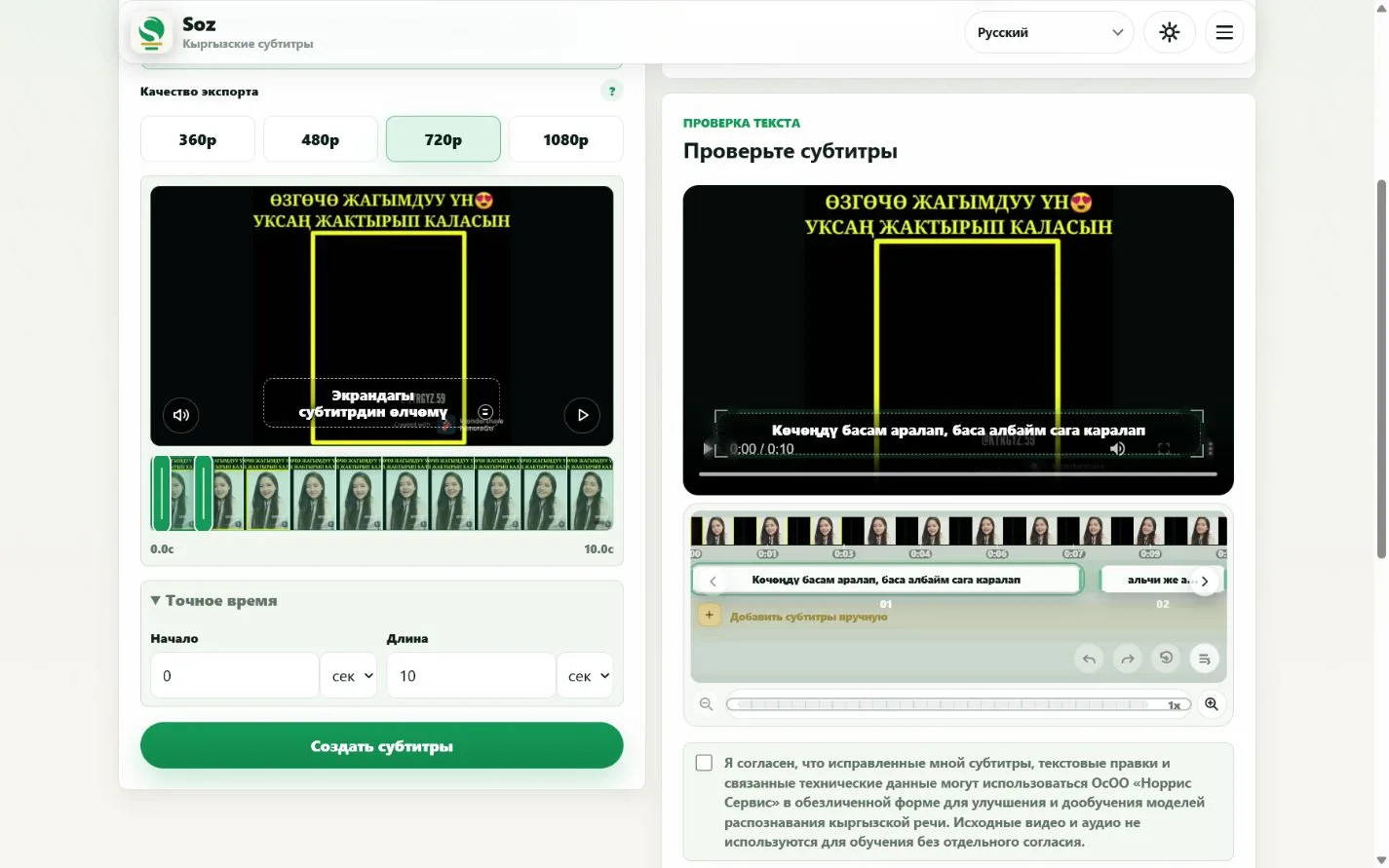
Soz shows subtitles on the video but cannot guarantee the safe area of a specific social platform. Before publishing, make sure interface controls, descriptions, and buttons do not cover the text.
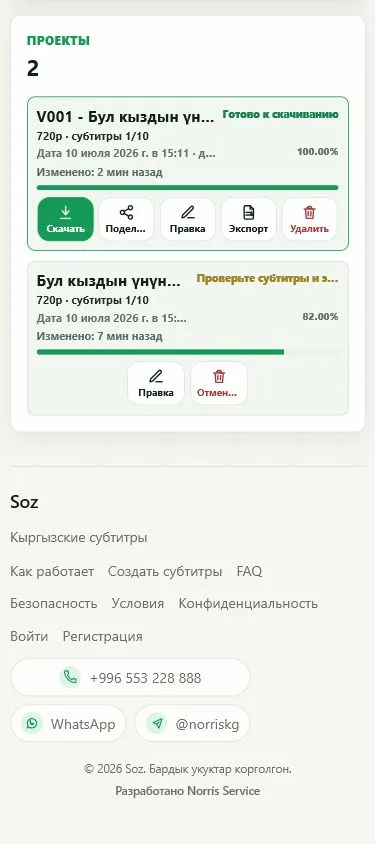
Yes. Set the start time and duration, such as 10 or 30 seconds.
Yes, after you check subtitle size, placement, and readability on the target platform.
Yes. MP4 export is available, along with SRT, ASS, and TXT.
Often yes. Short lines are easier to read quickly on a phone.
No. The core workflow is the same: select, review, preview, and export.
Create subtitles
Prepare subtitles for a short video